AXIO Distribution - Add Financial Dimensions to Sales Orders
Overview
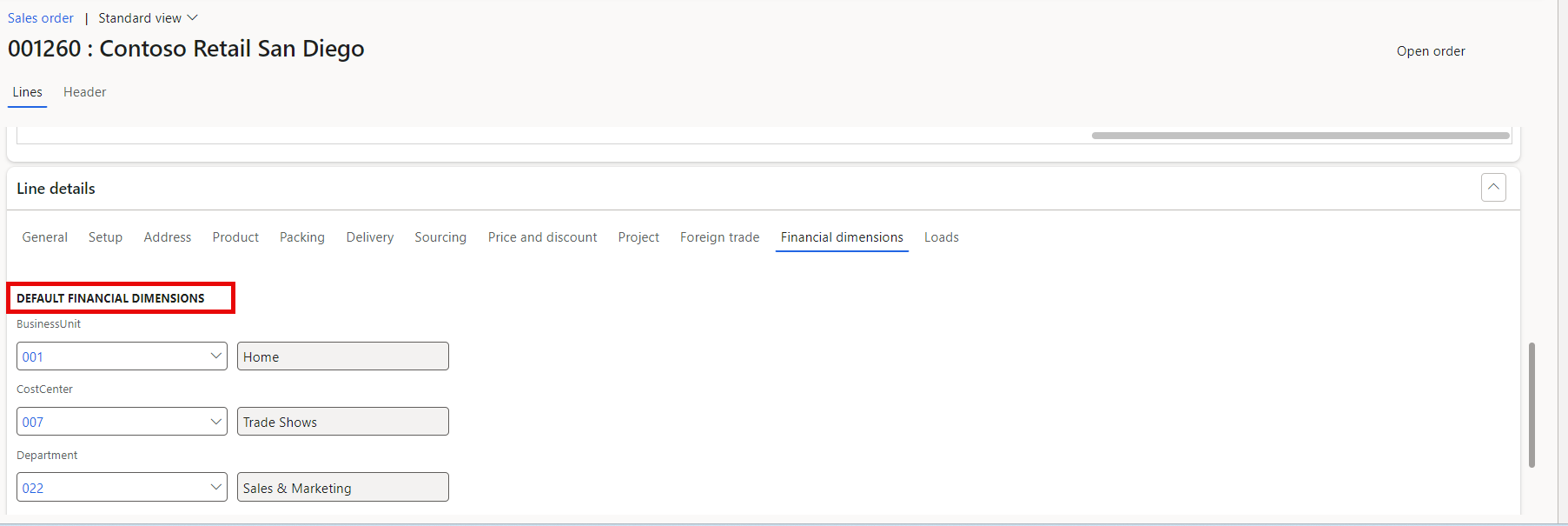
The Add Financial Dimensions to Sales Orders feature provides the ability to review and change the financial dimensions of an Item directly in the Sales Order, rather than having to edit the financial dimensions in the Item page.
- Adds detailed financial dimensions and main accounts to be viewed on Sales Order lines.
- The financial dimensions and main accounts values can be updated on each line.
- The account financial dimension changes are carried to posting for the specific Sales Order.
- The changes won't apply to the Posting Groups and advanced rule structures.
Setup
To enable this feature:
Navigate the the AXIO Distribution module > Setup > AXIO distribution parameters.
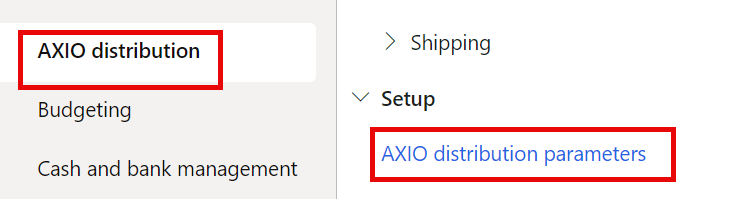
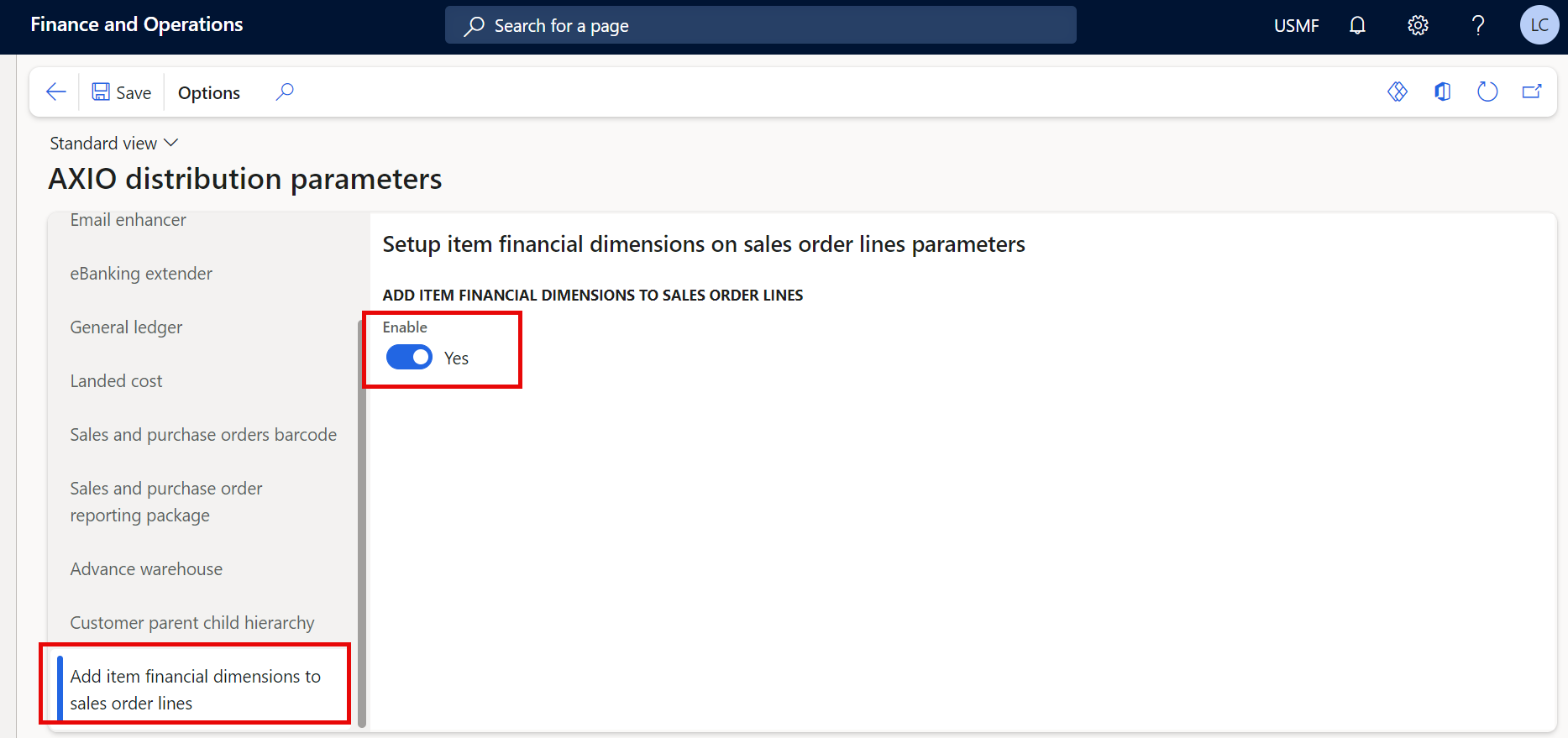
From the menu, select Add item financial dimensions to sales order lines.
Select the Enable Boolean to enable the feature.
Processing
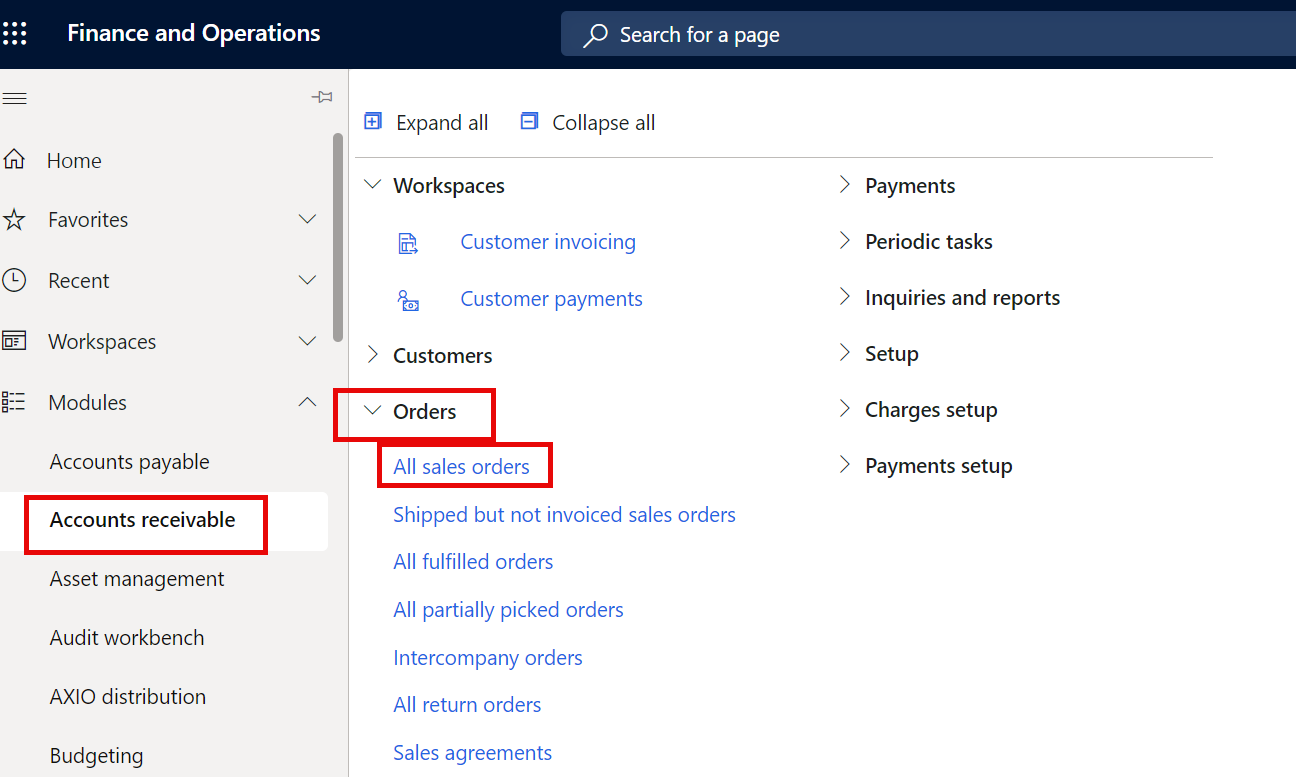
Navigate to the Accounts receivable module >> Orders >> All Sales orders.
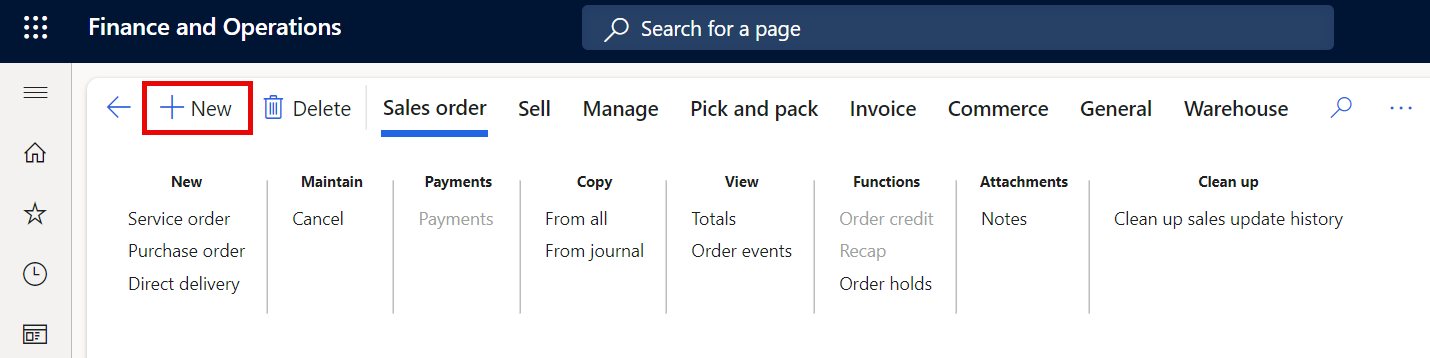
Click New to create a new Sales order.
Select the Customer account from the drop-down menu.
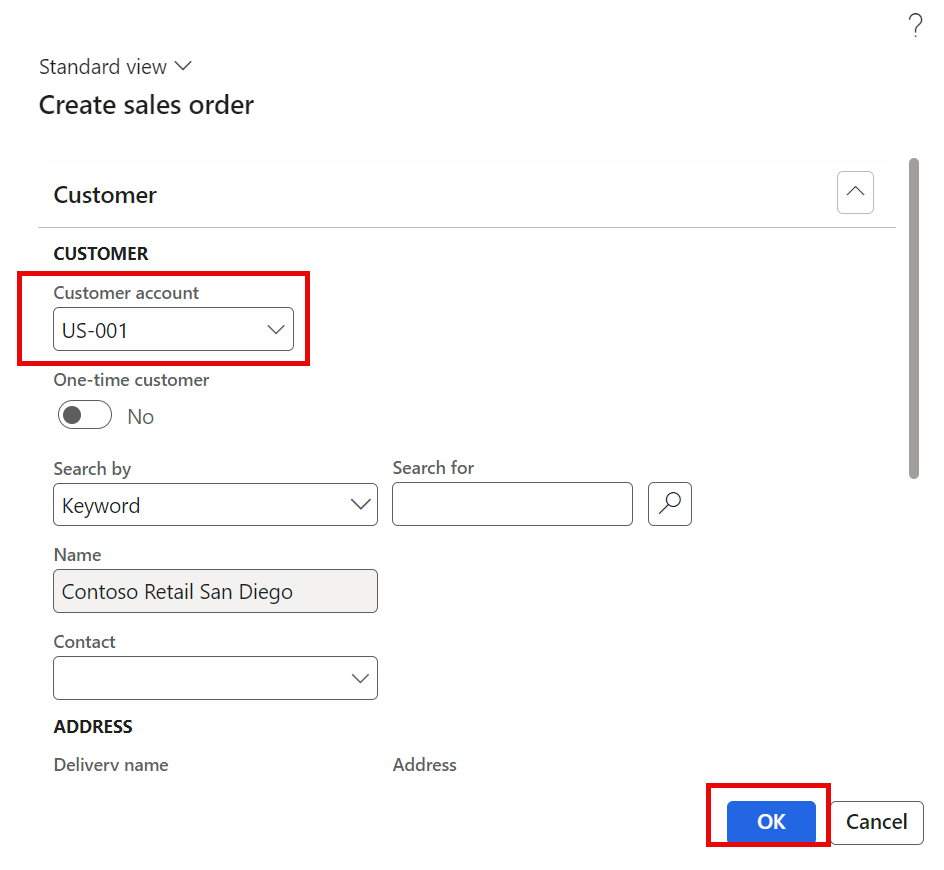
Click OK.
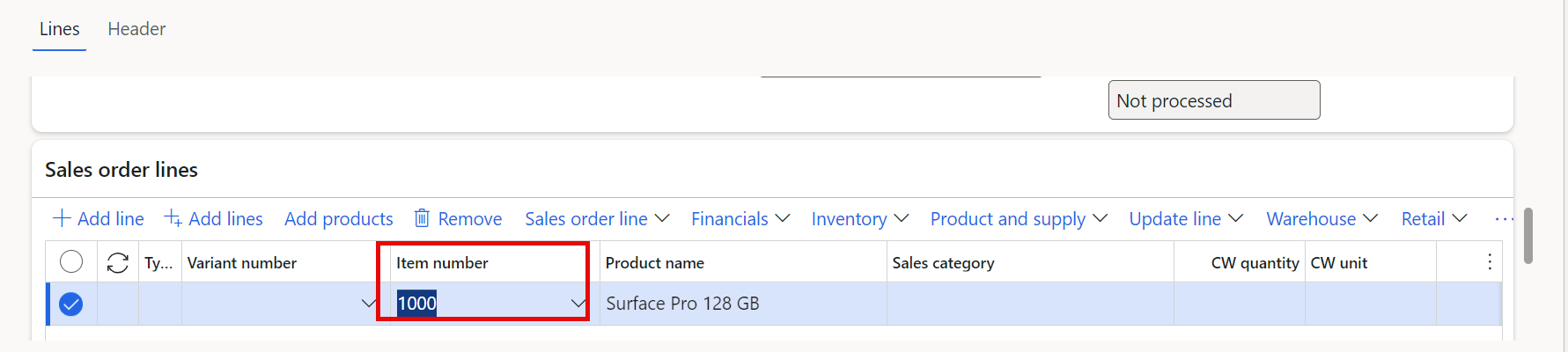
Add an Item in the Sales order lines section. The financial dimensions in the line default in from the Item record, but can be changed if necessary.
A new Refresh financial dimension button is added on the Sales order form > Sales order lines, There are financial dimension fields in the Sales order lines section, as well as the Line details section. If financial dimensions are changed in the Line details section, use the Refresh financial dimension button to refresh the dimension values so both Sales order lines financial dimensions match the financial dimensions in the Line Details section.
Note
If a financial dimension is changed in the Sales order lines section, the financial dimensions in the Line Details section are automatically updated.